What Is Release Content Automation? A Music Release Asset Workflow
Release content automation is a repeatable workflow for turning one song into the visual assets around a release. Learn what VibeMV can automate today, what still needs review, and how to plan a release pack.
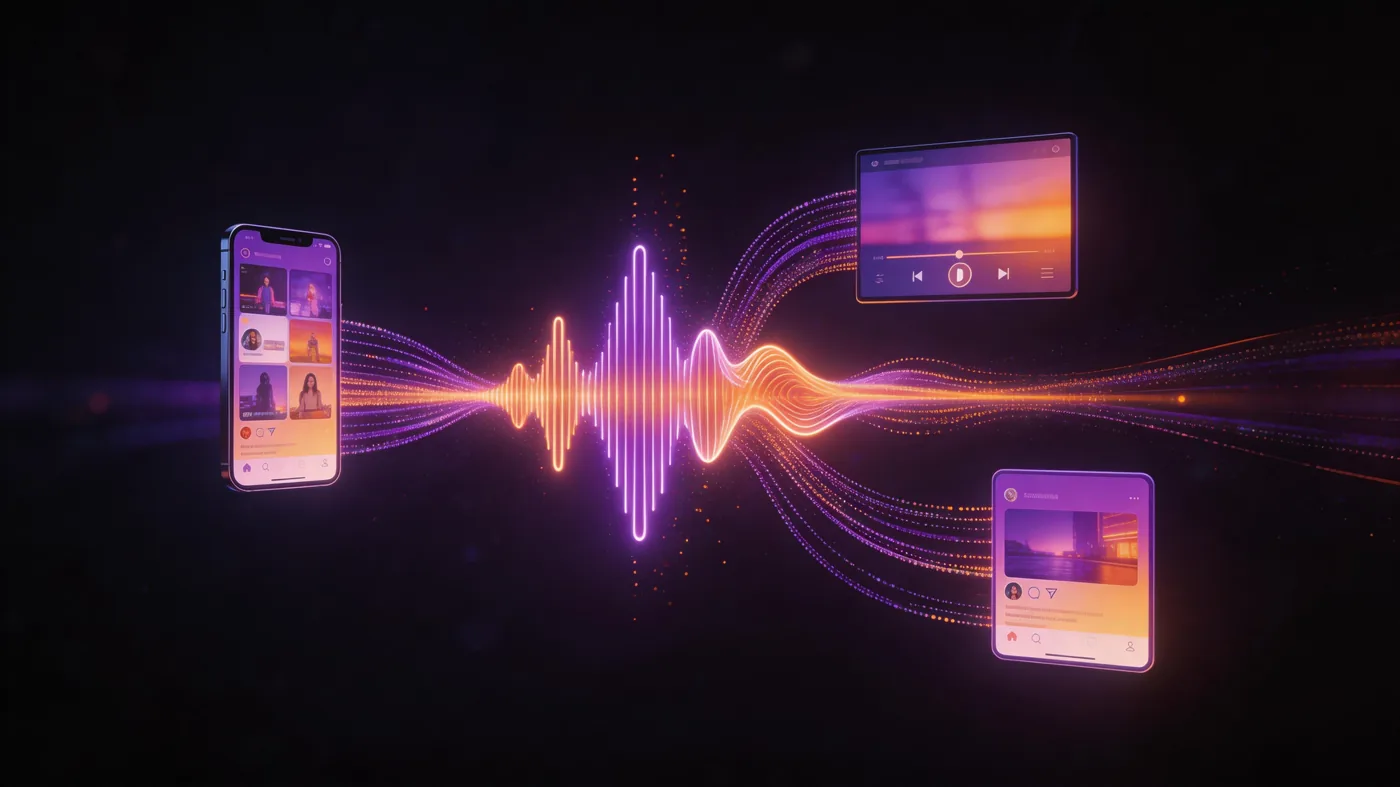
Short answer: release content automation is a repeatable workflow for turning one finished song into the visual assets around a release. That can include a full 16:9 music video, a 9:16 vertical version, short clips, a lyric video, a Spotify Canvas loop, artwork, thumbnails, titles, captions, and description copy. The goal is not to promise audience results. The goal is to make the release workflow less chaotic and easier to repeat.
For VibeMV, this idea has a clear boundary. The product can generate full-length and vertical AI music videos from an audio upload. VibeMV also offers standalone free tools for release assets such as lyric videos, Spotify Canvas loops, album covers, album names, song titles, band names, music visualizers, and MP3-to-video assets. It is not a magic button that replaces every planning, review, rights, editing, and platform step.
Need the creation workflow first? Read how to make a music video with AI. If you are budgeting the release, use the cheapest way to make a music video. If you want the main video path, start with the AI music video generator.
What Release Content Automation Actually Means
Release content automation is not one single file format. It is the system around a release.
At a practical level, it has four parts:
- Input: the finished song, metadata, artwork direction, style references, lyrics, and rights notes.
- Generation: AI or template tools create video, artwork, text, or motion assets.
- Assembly: you choose the right aspect ratios, clips, captions, thumbnails, and platform versions.
- Review: you check quality, rights, metadata, upload requirements, and whether each asset fits the release.
The automation helps with the middle of the process. The artist or team still owns the creative direction and publishing decisions.
What Assets Belong in a Release Pack?
Not every release needs every asset. A low-budget single may only need a cover, one vertical clip, and a simple video. A lead single may need a larger visual package.
| Release asset | Typical use | VibeMV status today |
|---|---|---|
| Full music video | YouTube, website, fan page, press links | Available through the AI music video generator |
| Vertical music video | TikTok, Reels, Shorts, mobile-first posts | Available as 9:16 generation |
| Short clips | Hook, chorus, drop, teaser, countdown | Usually selected and trimmed manually from generated or filmed material |
| Lyric video | YouTube, search, fans who want lyrics | Available as a standalone free tool |
| Spotify Canvas | Short vertical loop for Spotify track pages | Available as a standalone free tool |
| Album cover | Streaming artwork, social posts, thumbnails | Available as a standalone free tool |
| Song titles, album names, band names | Naming and brainstorming | Available as standalone free tools |
| Thumbnail and caption copy | Upload pages and social posts | Manual today |
| Rights and publishing checklist | Music, cover, sample, likeness, asset rights | Manual today |
This distinction matters for trust. VibeMV can help you create core visual assets, but a complete release pack still needs judgment and finishing work.
Why Artists Use This Workflow
Release content automation is useful because release work repeats. Every song creates the same operational questions:
- What visual format do we need first: 16:9, 9:16, or both?
- Which section of the song should become the short clip?
- Do we need lip sync, beat sync, lyrics, or a simpler visualizer?
- Which assets are for release day, and which are for follow-up posts?
- What needs rights review before publishing?
- Which links, credits, descriptions, and thumbnails need to be ready?
Without a system, artists often make these decisions late, after the song is already scheduled. A repeatable asset workflow moves those decisions earlier.
What VibeMV Can Automate Today
VibeMV is strongest when the starting point is finished audio.
Current product facts:
- Upload formats: MP3, WAV, AAC, and M4A.
- Upload size: up to 100 MB.
- Song length: 3 seconds to 7 minutes.
- Output formats: 16:9 and 9:16.
- Resolution: 720p by default, with optional 2K upscale.
- Credit math: 2 credits per generated second.
- Free tier: 50 one-time credits for short testing.
A practical VibeMV workflow looks like this:
- Upload the final song.
- Choose whether the release needs a full video, a vertical version, or a short test first.
- Calculate base credits as generated seconds x 2.
- Add style direction, character references, or lip-sync choices when relevant.
- Generate the video.
- Review the result for sync, visual consistency, aspect ratio, and release fit.
- Use standalone tools for supporting assets when needed.
This is automation, but it is not autopilot. The better you prepare the song, style direction, and asset list, the cleaner the release package will be.
What Still Needs Manual Work
The risky version of "release content automation" claims that every promotional asset can be produced, approved, and published automatically. That is not how a careful release workflow works.
These steps still need human review:
- Choosing the strongest song section for clips.
- Checking whether lip sync helps or distracts.
- Reviewing faces, hands, text, movement, and repeated visual patterns.
- Confirming cover-song, sample, publishing, master, and platform rights.
- Writing descriptions, credits, disclosures, and upload metadata.
- Adapting a clip for each platform's current interface and limits.
- Deciding whether the output is good enough for this release.
The point is to reduce repetitive production work, not to remove creative responsibility.
A Practical Release Content Automation Checklist
Use this checklist before generating anything:
- Release goal: single, EP track, album lead, remix, cover, teaser, or catalog revival.
- Primary platform: YouTube, TikTok, Reels, Shorts, Spotify, website, newsletter, or press outreach.
- Core asset: full video, vertical video, lyric video, Canvas, or visualizer.
- Aspect ratio: 16:9, 9:16, or both.
- Song section: full track, hook, chorus, drop, verse, or intro.
- Creative direction: mood, color, setting, character, camera style, and references.
- Credit budget: generated seconds x 2, plus revision margin.
- Review criteria: sync, consistency, readability, resolution, rights, and metadata.
- Manual finishing: clips, captions, thumbnails, descriptions, links, and upload schedule.
This checklist is more valuable than a broad promise that AI will do everything. It tells you what to automate and what to keep under human control.
When Traditional Production Is Still Better
Release content automation is not the best route for every song. Consider a traditional or hybrid workflow when the release needs:
- Real band performance in a specific location.
- Actors, choreography, stunts, product shots, or branded scenes.
- A narrative with precise continuity.
- Sponsor, label, client, or legal approval.
- Controlled lighting, styling, cinematography, and art direction.
- A high-touch flagship video for a major campaign.
AI can still help with concept tests, moodboards, lyric videos, visualizers, and social cutdowns. But if the creative concept depends on real-world control, production planning still matters.
Release Content Automation FAQ
What is release content automation?
Release content automation is a repeatable workflow for turning one finished song into the visual assets used around a release: a full music video, vertical video, lyric video, Spotify Canvas, artwork, titles, thumbnails, and social cutdowns. Some steps can be automated today, while others still need manual review and editing.
What content do musicians need for a release?
Most releases need a cover image, release metadata, at least one visual asset, and platform-specific copy. A larger campaign may add a 16:9 music video, 9:16 clips, a lyric video, a Spotify Canvas, thumbnails, captions, short descriptions, and follow-up posts.
What can VibeMV automate today?
VibeMV can generate full-length and vertical AI music videos from an audio upload. It also offers standalone free tools for lyric videos, Spotify Canvas loops, album covers, album names, song titles, band names, visualizers, and MP3-to-video assets. A complete release pack still requires planning and manual assembly.
Does release content automation promise audience results?
No. It helps artists create and organize visual assets more consistently, but it does not promise platform treatment, sales, or audience response. The music, positioning, rights, distribution, community, and release plan still matter.
What should artists check before publishing AI-generated release content?
Review visual consistency, lip sync, beat alignment, aspect ratio, resolution, metadata, platform requirements, and rights. VibeMV does not clear music rights, cover rights, sample rights, publishing rights, platform permissions, or third-party assets.
What to Do Next
If you want the main video asset, start with the AI music video generator. If you are still deciding what kind of video to create, read how to make a music video. If budget is the constraint, use the low-budget music video guide. For supporting assets, try the lyric video maker, Spotify Canvas maker, or album cover generator.
More Posts
How Independent Musicians Use AI in 2026
A practical guide to how independent musicians use AI in 2026 for release planning, full music videos, short clips, lyric assets, visualizers, and review without overstating what AI can replace.

VibeMV Base vs Pro Models: Credits and Workflow Guide
Compare VibeMV Base and Pro video models, current 2 vs 8 credits-per-second pricing, Scene and Lipsync modes, and a practical way to budget each Shot.
What Is a Music Video Treatment? (And What It Isn't)
A music video treatment is the short creative brief that locks concept, look, and beats before storyboard or shoot. See what it is not, plus a five-line example.