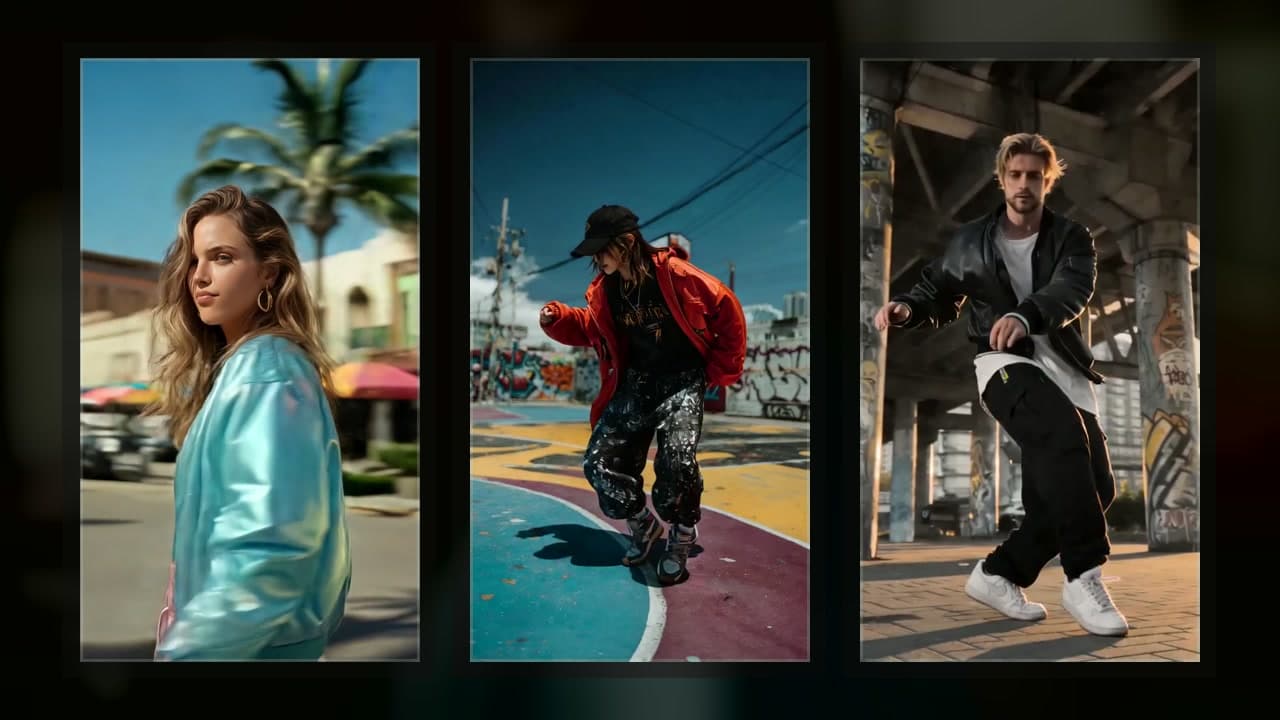
How to choose the best AI music video generator
Choosing between Freebeat and Neural Frames? Start with Freebeat for a broad one-click music and social-video suite, or Neural Frames for deeper audio-reactive, frame, and timeline control. If you want a lighter path from one song to one editable MV, test VibeMV. The best choice depends on the workflow—not one universal ranking.
No video editing skills? Start with VibeMV when you already have a finished song and want a guided path from audio upload to a complete, editable MV. You can review the planned sections and replace weak shots instead of assembling every clip on a separate editing timeline.
Quick Answer
Upload audio, generate scenes, use optional lip sync, and edit shots inside one song-to-MV workflow.
50 one-time free credits can cover a short sample before regeneration.
Broad music, lyric, dance, social, link-based, and agent-style workflows.
Stronger fit for beat, lyric, stem, drop, and visual-control workflows.
Music analysis, AI Director flow, timeline editing, and several video models.
A mature music-marketing video workflow, not a generative performance MV tool.
Powerful clip tools, but music sync and final MV assembly stay mostly manual.
Better when you already have visual material or want art-led synced variations.
Freebeat vs Neural Frames vs BeatViz vs VibeMV: which should you choose?
Google Search Console shows that choosing between Freebeat and Neural Frames is this page's clearest visible comparison query. Here is the direct answer, based on official product and pricing pages checked August 13, 2026:
| If you care most about... | Better first test |
|---|---|
| One song to one complete editable MV | VibeMV |
| Broad one-click music, lyric, dance, social, and creator tools | Freebeat |
| Audio-reactive art, stem control, and frame/timeline editing | Neural Frames |
| AI director workflow plus multiple video models | BeatViz |
| Full-song support | Freebeat and Neural Frames both advertise it |
| Lowest starting cost | Test both free paths; total cost depends on model, length, resolution, and retries |
The honest answer is that these tools are not interchangeable. Freebeat now advertises full songs up to six minutes, a 500-credit signup test, multiple aspect ratios, and shot-by-shot editing. Neural Frames offers a no-card free workspace, three creation modes, stem-based audio reactivity, and deeper frame or timeline control; longer renders, stem features, 4K, and watermark-free exports sit in paid plans. Compare the same 15-30 second section before choosing: the cheapest plan is not necessarily the cheapest usable result.
How We Compared These Tools
This is a workflow-fit comparison, not a lab benchmark. We did not run the same rights-cleared song through every competitor and score the outputs.
For competitor examples, we link to official pages instead of copying or embedding their videos. For VibeMV, we can show our own output directly.
Watch VibeMV Output
VibeMV is not trying to make one isolated AI clip. It is built for a complete music-video draft that can be reviewed and edited shot by shot.
VibeMV long-form story example: a 79-second AI music video with performance, road, and campfire scenes built around one song.
This is VibeMV output proof, not a controlled same-song benchmark against the other tools. For more first-party examples, open the AI music video examples page, including cinematic performance, dance hook, lip-sync studio, and long-form story videos.
Free Test Before You Pay
If your search includes "free", use the free test to answer one question: can this tool turn a strong section of my song into something that feels like an MV?
VibeMV short sample: an 11-second performance-style AI music-video scene with audio.
With VibeMV's 50 one-time free credits, a simple first sample can fit:
| Item | Simple estimate |
|---|---|
| Three starting images | 3 x 4 = 12 credits |
| Fifteen seconds of normal or lip-sync video | 15 x 2 = 30 credits |
| First sample before regeneration | About 42 credits |
That is enough to test a hook, chorus, vocal line, or visual style. A full 3-minute video is about 360 credits before starting images or regeneration, so plan paid credits or a subscription for the full MV.
Fast Comparison
Pricing, credits, model access, export resolution, commercial-use rules, and watermark rules change often. Check the current provider page before spending credits.
Tool Notes
VibeMV
Best for: a musician, AI-song creator, or indie artist who wants one song to become a complete, editable MV.
Why people choose it: VibeMV starts with an audio upload, plans scenes around the track, supports optional singing lip sync, and lets every scene be edited shot by shot. It accepts MP3, WAV, AAC, M4A, FLAC, and AIFF files, supports songs from 3 seconds to 7 minutes, and exports 16:9 or 9:16 MP4.
Check before paying: use the free sample to test a strong section first. If the visual direction works, then generate the full version.
Freebeat
Best for: creators who want a broader AI music and social video studio with many modes.
Why people choose it: Freebeat's current creator page advertises upload or link input, six creation modes, full songs up to six minutes, five native aspect ratios, character consistency, captions and overlays, shot-by-shot editing, and a wider suite of musician tools. It also documents MCP/agent automation. That makes it a serious competitor if you want many formats or automation.
Check before paying: use the advertised 500 signup credits on a representative hook, then check the credit cost of your preferred mode, likely regenerations, lip-sync result, export resolution, and watermark rules. Freebeat's current pricing page shows different resolution limits by plan, while its older MCP guidance describes separate constraints for that agent workflow; do not assume every mode has the same limits.
Try VibeMV first if: your main goal is narrower: one song, one complete MV, with every scene editable shot by shot.
BeatViz
Best for: users who want an AI director, music analysis, and access to multiple video models in one workflow.
Why people choose it: BeatViz positions itself around music-to-video generation, AI Director workflows, beat/BPM and emotional-arc analysis, timeline editing, and model access across tools such as Veo, Sora, Kling, Seedance, Luma, and Pika.
Check before paying: confirm what the current Start for Free path includes, how many credits a full version needs, and how much control you get after generation.
Try VibeMV first if: you want the simplest path from uploaded song to complete editable MV rather than a broader model-aggregator workflow.
Neural Frames
Best for: audio-reactive visuals, lyric-driven visuals, experimental music videos, and creators who want deeper visual control.
Why people choose it: Neural Frames' current product page describes three music-video paths: Autopilot, a frame-by-frame editor, and a text-to-video timeline editor. It also describes beat, lyric, mood, structure, and stem analysis, model choice, character consistency, and up to 4K output depending on plan.
Check before paying: start in the free workspace, then estimate the same song section with the model and control level you actually need. Neural Frames says paid plans add longer renders, stem-based audio reactivity, 4K, and watermark-free downloads, and its pricing page says the entry paid tier is not recommended for Autopilot.
Try VibeMV first if: you want a lighter finished-song-to-MV path with editable scenes rather than deep audio-reactive visual design.
Kaiber
Best for: stylized music-synced visual experiments and creators who already have images or videos they want to animate or remix.
Why people choose it: Kaiber's public docs describe Canvas, Beat Sync, Editor workflows, audio upload, multiple beat-synced variations, captions, and sequencing tools.
Check before paying: make sure you need a visual creative suite, not a simpler song-to-MV generator.
Try VibeMV first if: your starting point is the song and you want the tool to create the MV structure around it.
Rotor
Best for: traditional musician promo assets: stock footage music videos, lyric videos, Spotify Canvas, Apple Music motion, album-art videos, and social clips.
Why people choose it: Rotor is built for music marketing. It analyzes the track, uses selected clips or stock footage, and lets artists pay when they download.
Check before paying: decide whether stock or lyric/promo video is enough. If you want generated characters, scenes, performance, story moments, or optional lip sync, you are looking for a different kind of tool.
Try VibeMV first if: you want generated MV scenes instead of a stock or promo assembly workflow.
Runway, Luma, Kling, and Pika
Best for: editors who want strong cinematic AI clips and are comfortable assembling the final music video themselves.
Why people choose them: these tools can produce impressive short video shots, and some support advanced model, camera, character, or audio features.
Check before paying: the work of making a music video is still mostly yours: generating shots, choosing takes, syncing them to the song, adding lip sync if needed, and editing the final sequence.
Try VibeMV first if: you want the music-video workflow itself, not just the raw video clips.
FAQ
What is the best AI music video generator from a song?
If you already have a song and want a complete, editable MV, start with VibeMV. If you want a broader AI music and social video studio, compare Freebeat. If you want deeper audio-reactive visual control, compare Neural Frames. If you want cinematic clips to edit yourself, compare Runway, Luma, Kling, or Pika.
Which AI music video generator is best for a full song?
VibeMV is the most direct first test when the job is one song to one complete MV. It starts with audio upload, plans scenes around the music, supports optional singing lip sync, and lets you edit scenes shot by shot. VibeMV supports songs from 3 seconds to 7 minutes.
What is the best free AI music video generator?
VibeMV is a practical free first test because new accounts get 50 one-time free credits. That can cover a short 10-15 second sample before regeneration, but a full song usually needs paid credits or a subscription.
Is Freebeat or Neural Frames better, and which is cheaper?
Choose Freebeat for a broad one-click music and social-video suite. Choose Neural Frames for deeper audio-reactive, frame, and timeline control. Both advertise a free starting path and full-song workflows. Neither is always cheaper: compare the cost of the same 15-30 second section with the model, resolution, and likely regenerations you need.
Which AI music video generator has the best lip sync or beat timing?
For vocal music, test tools that are built around songs rather than generic clips. VibeMV keeps optional lip sync inside a complete song-to-MV workflow. Freebeat, BeatViz, and Neural Frames also publish music-specific timing features, so check each provider with your own song before paying for a full version.
Can I make an AI music video from just an audio file?
Yes. VibeMV accepts MP3, WAV, AAC, M4A, FLAC, and AIFF files. General AI video tools can create clips from prompts or images, but they usually leave music sync, sequencing, and final assembly to you. For the full upload workflow, use the AI music video from audio file guide.
Are these rankings based on same-song benchmark tests?
No. This guide compares official product pages, official examples, VibeMV first-party output, and public user feedback. It does not claim a controlled same-song benchmark across every tool.
Related Guides
- AI music video generator
- AI music video examples
- AI music video from audio file
- Free AI music video generator options
- VibeMV vs Freebeat
- VibeMV vs Neural Frames
- VibeMV vs Vidu
- VibeMV vs HeyGen
- Neural Frames alternatives
- Music video generator vs music visualizer
- AI music video generator pricing comparison
- Best AI music video generator for independent artists
- Music visualizer
- MP3 to video
- Lyric video maker
- Spotify Canvas maker
More Posts

HeyGen Alternative: Make a Full AI Music Video with VibeMV
Looking for a HeyGen alternative for music videos—or comparing avatar lip sync with a finished-song MV workflow? Compare VibeMV vs HeyGen, then try VibeMV first when you want one song turned into a complete, editable music video.
Vidu Alternative: Make a Full AI Music Video with VibeMV
Looking for a Vidu alternative—or comparing Vidu’s music video workflow with a finished-song MV tool? Compare VibeMV vs Vidu, then try VibeMV first when you want one song turned into a complete, editable music video.
AI Music Video Generator Pricing Comparison: Freebeat, Neural Frames, Kaiber, VibeMV
Compare AI music video generator pricing for VibeMV, Freebeat, Neural Frames, and Kaiber by credits, free tiers, Dance Mode cost, commercial use, full-song budgeting, and hidden cost risks.