Updated June 7, 2026.
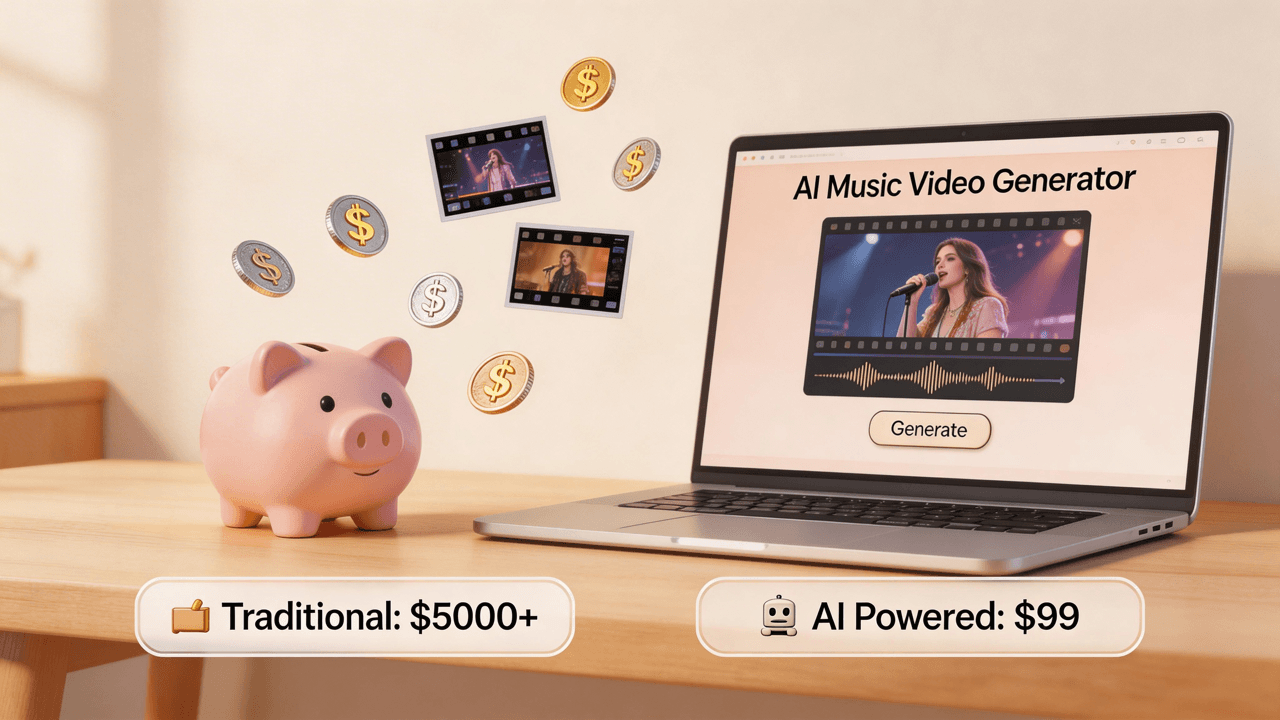
Quick Answer: Cheapest Way To Make A Music Video In 2026
The cheapest way to make a music video depends on the job. If you already have a phone, time, and editing skill, the lowest cash-cost route is phone footage plus a free editor. If you have a finished song and want a complete AI-generated music video without filming, the cheapest practical route is usually an AI music video generator with clear credit budgeting.
For VibeMV, use the simple planning rule:
generated seconds x 2 credits = base/default generation budget
That means 50 one-time starter credits can cover a short base-rate test. Segment rounding can make very short tests cost slightly more than simple seconds x 2 math. A 3-minute base song is about 360 credits before regeneration, alternate aspect ratios, optional upscale, or higher-cost models. Dance Mode is different: it uses 12 credits per generated second, so use it for focused dance hooks rather than as the cheapest default path. If the video is for commercial use, do not treat extra credits as the whole budget: credit packs alone are personal-use only, and commercial use starts with paid subscription tiers.
Which guide should you read next? If you want no-cost options first, read free music video makers. If you already want AI, use how to make a music video with AI, the AI music video from audio file workflow, or the AI music video generator. If the cost question is choreographed movement, read AI Dance Video Generator. For plan fit, use pricing.
VibeMV Product Facts For Low-Budget Music Videos
| Cost or workflow fact | Current VibeMV detail |
|---|---|
| Starter credits | 50 one-time starter credits for short testing |
| Credit model | Base/default generation starts at 2 credits per generated second |
| Supported audio | MP3, WAV, AAC, M4A, FLAC, AIFF |
| Audio limits | 3 seconds to 7 minutes, up to 100 MB |
| Output formats | MP4 in 16:9 landscape or 9:16 vertical |
| Export quality | 720p default, optional 2K upscale |
| Modes | Normal AI generation, optional lip-sync, and Dance Mode for short choreographed shots |
| Dance Mode | 12 credits per generated second; best for focused hooks rather than low-cost full-song generation |
| Credit packs | Extra personal-use generations only |
| Commercial use | Starts with paid subscription tiers |
These facts matter because "cheap" can mean different things: no cash today, lowest credit spend, lowest total production effort, or lowest commercial-release risk.
Budget Path Decision Table
| Goal | Cheapest practical route | Good fit when | Main limitation |
|---|---|---|---|
| No cash spend | Phone footage plus free editing | You can film yourself and edit manually | Your time, skill, lighting, location, and sync work become the real cost |
| Lightweight release asset | Visualizer, lyric video, or Canvas-style loop | You need a simple asset, not a full scene-based MV | It will not create characters, story scenes, or lip-sync performance |
| Short AI test | VibeMV starter credits | You want to test a hook, chorus, mood, or lip-sync direction | 50 credits can cover a short base-rate test |
| Dance hook test | VibeMV Dance Mode | A chorus, drop, or short social clip needs choreographed movement | Higher-cost route at 12 credits per generated second |
| Full-song AI video | VibeMV paid plan or enough credits | You have finished audio and do not want to film | You still need revision room, review time, rights checks, and plan fit |
| Social-first campaign | Generate or edit a 9:16 hook section | You need TikTok, Reels, or Shorts clips first | Short clips do not replace a full YouTube upload |
| High-control video | Local crew, editor, or hybrid production | The concept needs real people, places, choreography, or sponsor approval | Quote-based, slower, and harder to predict |
The cheapest route is not automatically the best route. Pick the cheapest route that still matches the job of the song.
VibeMV Credit Budget Examples
VibeMV cost planning starts with duration. These are base generation examples before regeneration, alternate cuts, or optional upscale.
| Target output | Length | Base credits |
|---|---|---|
| Hook test | 15 seconds | 30 credits |
| Starter-credit test | Short hook or style test | Up to 50 credits |
| Vertical teaser | 30 seconds | 60 credits |
| One-minute social cut | 60 seconds | 120 credits |
| Full 3-minute song | 180 seconds | 360 credits |
| 5-minute song example | 300 seconds | 600 credits |
Do not spend the entire budget on one full-length render if the style is untested. A cheaper workflow usually starts with a short hook, then expands only after the visual direction works.
Dance Mode Budget Boundary
Dance Mode is not the cheapest default path. It is a higher-cost option for a specific job: a short choreographed hook, drop, or social segment with one clear performer or character.
| Dance test | Dance credits |
|---|---|
| 5-second hook | 60 credits |
| 10-second hook | 120 credits |
Use Dance Mode when choreographed movement is the point of the clip. Use normal mode, lip-sync, a visualizer, or phone footage when the cheapest route is more important than a dance-specific shot.
For Dance-specific fit and limits, review the AI Dance Video Generator before spending credits.
Free vs Cheap vs Commercial
These three budget ideas are easy to mix up:
- Free means you can test without paying today.
- Cheap means the total workflow uses fewer credits, hours, and retries.
- Commercial-ready means the video, music rights, account plan, and usage rights match how you plan to publish.
For VibeMV, the important boundary is simple: free credits and credit packs can create complete personal-use outputs, but credit packs alone do not grant commercial-use rights. Commercial use starts with paid subscription tiers. Check VibeMV pricing before using a result for paid ads, client work, a monetized release campaign, or brand use.
Cheapest Route By Release Situation
If You Have Zero Budget
Use phone footage, a free editor, and a simple concept: rehearsal clip, behind-the-scenes montage, lyric video, visualizer, or one-take performance. This has the lowest cash cost, but you still need permission to film, enough takes, audio sync, readable framing, and the right export format.
If you want a lighter asset instead of a full video, compare the music visualizer, MP3 to video, audio visualizer video maker, Spotify Canvas maker, and lyric video maker.
If You Have A Finished Song But No Footage
Use AI generation when the main input is finished audio and you do not want to organize filming. In VibeMV, upload MP3, WAV, AAC, M4A, FLAC, or AIFF audio; choose 16:9 or 9:16; decide whether normal, lip-sync, or Dance Mode fits the section; and start with a 15-25 second hook test if the visual idea is new.
If You Need A Full Release Video
Budget for more than the exact song length. A 3-minute song has a base cost of about 360 credits, but real planning should include a short style test, revision room, aspect-ratio decisions, separate Dance Mode budget if needed, optional upscale, final visual review, and rights checks.
For platform planning, use the YouTube AI music video workflow, the TikTok AI music video workflow, and the best AI platform for social music videos.
When Not To Choose The Cheapest Path
The cheapest route is the wrong route when the video needs control that AI or DIY cannot reliably provide.
Choose a crew, editor, or hybrid workflow when you need real performance, specific locations or branded products, actors or dancers, precise continuity, sponsor approval, heavy legal review, or campaign deliverables.
AI can still help in those cases as a concept test, moodboard, storyboard source, visualizer, lyric asset, or social cutdown. It should not be described as a full replacement for production control.
Low-Budget VibeMV Workflow
Use this workflow when you want the cheapest serious AI path:
- Choose the release job: full 16:9 video, 9:16 short, or concept test.
- Pick the song section: hook, chorus, drop, verse, or full track.
- Calculate base/default credits: generated seconds x 2 credits, then add margin.
- Leave revision room instead of spending every credit on the first render.
- Upload clean audio and choose normal, lip-sync, or mixed mode by section.
- Use Dance Mode only when a short choreographed shot is worth 12 credits/second.
- Review the result and confirm commercial-use rights before release.
For a full AI workflow, read how to make a music video with AI. If your main question is whether to use a full generator or a lightweight visualizer, read music video generator vs music visualizer. If you are comparing vendors and plan models, read AI music video generator pricing comparison.
Cost Planning Checklist
Before choosing the cheapest route, confirm the asset type, aspect ratio, clip length, mode choice, revision margin, optional upscale need, commercial-use plan fit, and rights clearance for music, cover, samples, references, and assets.
For rights planning, use the music video copyright guide. For artist-specific planning, read AI music video for independent artists.
Cheapest Music Video FAQ
What is the cheapest way to make a music video?
The cheapest cash option is usually phone footage plus free editing or a lightweight visualizer. The cheapest route to a complete AI-generated music video from a finished song is usually an AI music video generator. With VibeMV, budget base/default generation from 2 credits per generated second, and budget Dance Mode separately at 12 credits per generated second when a short choreographed hook is needed.
Can I make a music video for free?
You can usually make a short test, visualizer, lyric clip, or phone-shot edit for free if you already have the audio and time. VibeMV includes 50 one-time starter credits for short base-rate testing, so it is best for testing a hook rather than a full-song release.
How do VibeMV credits affect music video cost?
VibeMV base/default generation starts at 2 credits per generated second. A 60-second base social cut is about 120 credits, a 3-minute base song is about 360 credits, and a 5-minute base song is about 600 credits before segment rounding, extras, or higher-cost models. Dance Mode uses 12 credits per generated second, so it should be reserved for focused dance hooks.
Are VibeMV credit packs enough for commercial use?
No. Credit packs add more personal-use generation credits, but credit packs alone do not grant commercial-use rights. Commercial use starts with paid subscription tiers, so check the current pricing page before using a generated video for a release, client, ad, or monetized campaign.
When is the cheapest option not the best option?
Do not choose the cheapest route when the concept needs real actors, real locations, choreography, branded products, sponsor approval, precise continuity, or legal review. In those cases, use AI for tests, storyboards, social cutdowns, or visual direction, but budget for production control.
Is AI cheaper than hiring a video crew?
Usually yes when the job is a music-synced visual from finished audio and you do not need real locations, actors, choreography, or controlled cinematography. A crew is still worth considering when you need exact creative control, real performance, sponsor approval, or branded production.
What is the cheapest way to make videos for TikTok, Reels, and Shorts?
Start with the strongest 15-30 seconds of the song and create a 9:16 vertical asset. That can be a phone clip, a free visualizer, a lyric clip, or an AI-generated hook test. In VibeMV, a 30-second vertical base AI clip is about 60 credits, while a Dance Mode hook uses 12 credits per generated second.
Final Recommendation
If cash is the only constraint, start with phone footage or a free visual tool. If you have a finished song and need a complete visual direction without filming, test a short VibeMV section first, then scale only after the style works.
The best low-budget plan is not "spend as little as possible." It is to spend the fewest credits, hours, and rights-risk needed for the song's actual release job.
More Posts
Best AI Music Video Generator for Independent Artists in 2026
Compare AI music video generators for independent artists by finished-song workflow, free testing, commercial-use rights, credits, lip sync, social formats, and editing effort.
![AI Music Video for YouTube: Upload-Ready Workflow [2026]](/_next/image?url=%2Fimages%2Fblog%2Fai-music-video-for-youtube.png&w=3840&q=75 "AI Music Video for YouTube: Upload-Ready Workflow [2026]")
AI Music Video for YouTube: Upload-Ready Workflow [2026]
Create a YouTube-ready AI music video from audio with 16:9 planning, Dance Mode or Shorts cutdowns, credit budgeting, thumbnail checks, rights review, and export-quality decisions.
Music Video Copyright: AI & Commercial Use (2026)
Complete guide to music video copyright, sync licensing, pre-licensed music for commercial use, AI-generated content rights, and platform policies. Essential for musicians using AI video generators.